Project 3 of 5
Cadence
A consumer mobile app carried all the way through app store submission, not stopped at a demo.
- Built
- A consumer mobile app carried all the way through app store submission, not stopped at a demo.
- Stack
- React Native on Expo, TypeScript, Zustand for state, Supabase for backend and edge functions, on-device health data, and Claude for the conversational layer — a cheaper model by default, upgraded only when the interaction calls for it, with a hard daily cost cap that downgrades automatically if exceeded.
- Status
- Built and shipped through app store review — health-data and push entitlements, a registered developer account, a native build, live on the App Store.
- Why it matters
- Most technology pitches stop at a working prototype.
01 / Context
Why this matters to a client
Most technology pitches stop at a working prototype. Native mobile is where that gap shows fastest: platform health-data entitlements, push notification certificates, app store submission, a real device build pipeline — none of it is optional, and none of it is visible in a demo. I built and carried a consumer iOS app through that entire pipeline on my own, so I know where that path actually breaks before I recommend a client fund it.
02 / Function
What it does
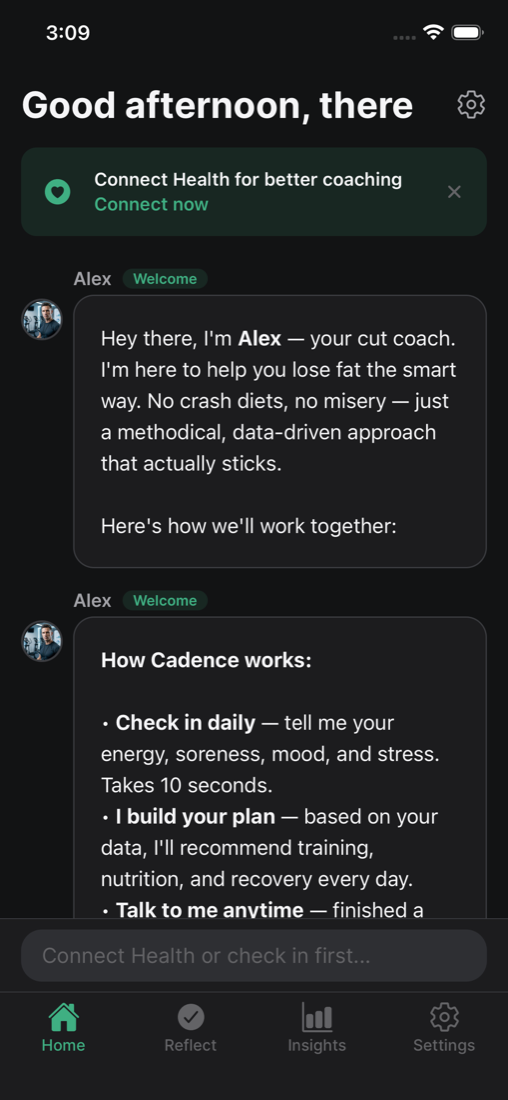
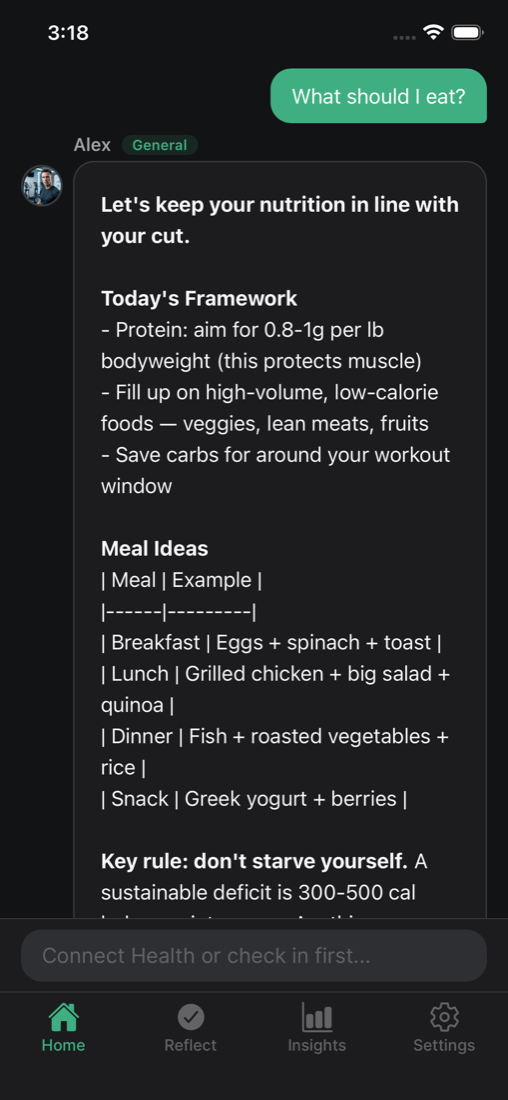
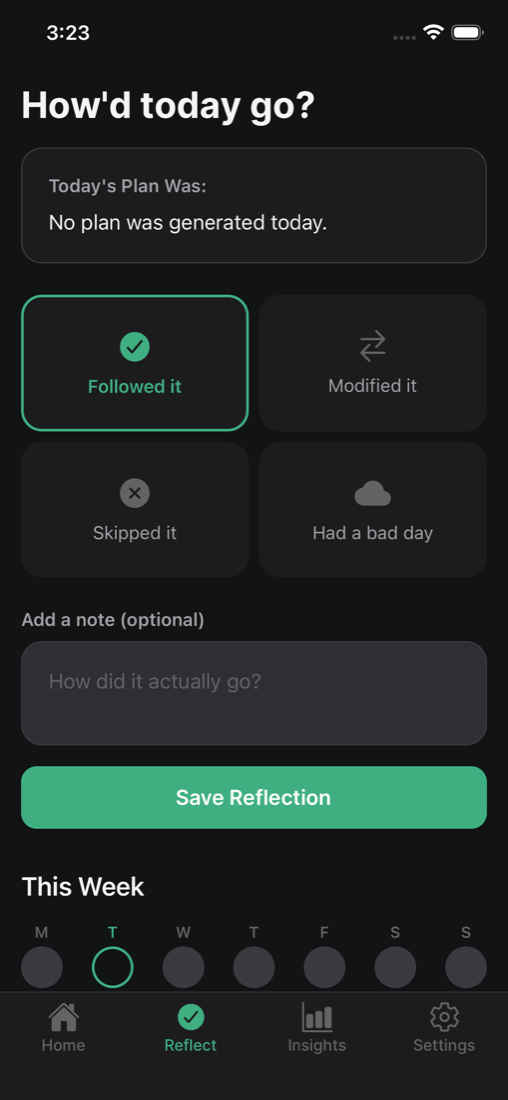
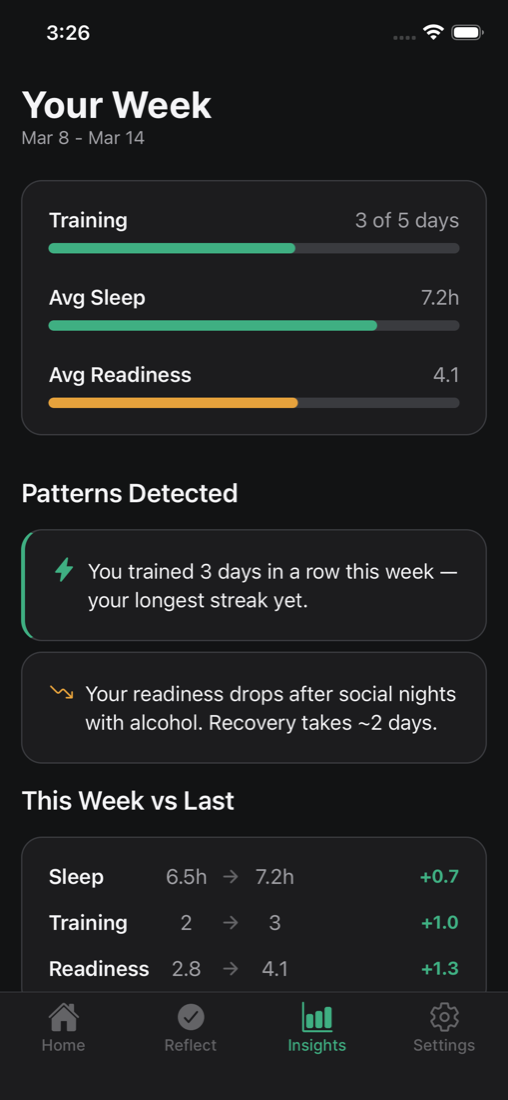
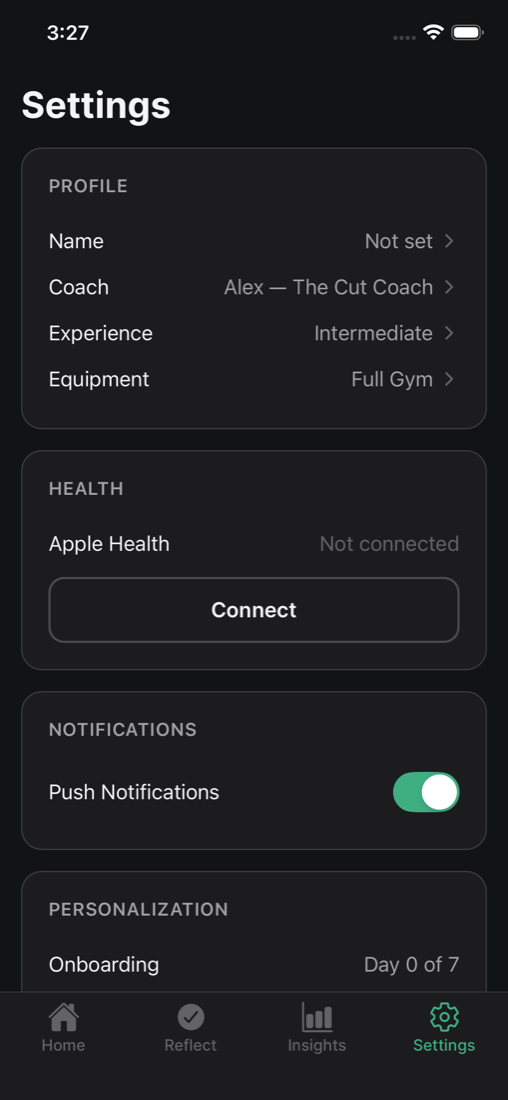
Cadence is a fitness-coaching app that adjusts its guidance to how the user actually is that day — sleep, prior training load, soreness, energy — rather than running a fixed program regardless of state. A deterministic rules engine computes a readiness score from that data; an AI layer turns the score into a written coaching response, but never overrides it.
Product screenshots
03 / Engineering
How it's built
Technical detailFor readers who want the engineering — skip ahead if you just want the outcome.
React Native on Expo, TypeScript, Zustand for state, Supabase for backend and edge functions, on-device health data, and Claude for the conversational layer — a cheaper model by default, upgraded only when the interaction calls for it, with a hard daily cost cap that downgrades automatically if exceeded. A keyword-based safety gate screens for medical or crisis language before anything reaches the AI at all. Full native iOS project with a real app store submission pipeline.
04 / Judgment
The interesting decision
The AI layer is told, explicitly, that if the rules engine says the user needs recovery, it must recommend recovery. That instruction isn't trusted on its own: a second, deterministic check reads the AI's actual generated text for phrases like "push hard" or "max effort," and if it finds one that contradicts a recovery day, it throws the AI's answer away and substitutes a fixed, pre-written response instead. It's a narrow, almost crude check — a keyword list, not a second model call — but it reflects a real judgment: don't let a generative system have the last word on something that could affect someone's health, even after you've prompted it correctly.
The same instinct shows up in what's missing. Error tracking hit a launch-crashing bug twice in earlier versions, both times traced to the crash-reporting library's own native init code running before the app could recover from it. Rather than fight it a third time, the reporting calls were replaced with a stub that logs to the console and does nothing else, with the failure history written directly into the code as a comment so the mistake doesn't get repeated blind.
05 / Where it stands
Status
Built and shipped through app store review — health-data and push entitlements, a registered developer account, a native build, live on the App Store. Running for personal use, not commercialized; a small number of unrelated test failures are outstanding and error tracking currently runs as a documented no-op after two earlier crash-on-launch incidents.